Bring your own agents.
Register them, and they can ask. A Trusted Agent is a key and a scope: the key is how it asks, the scope is what it may ask for. The person lets it in from their own app; after that, every ask lands on their phone.
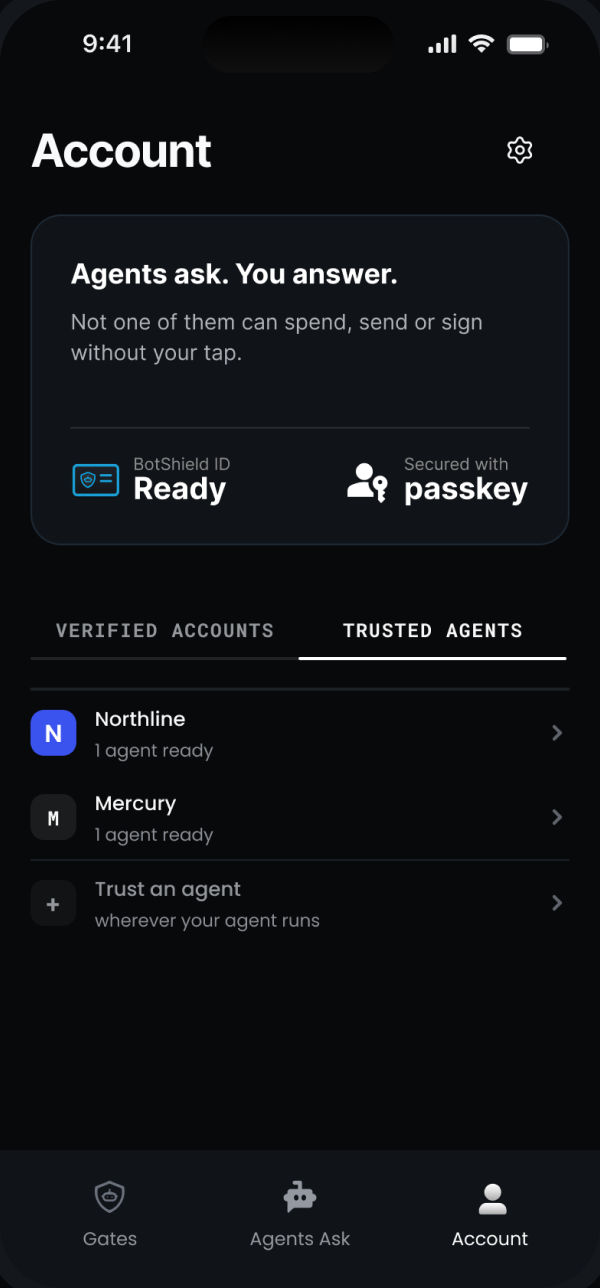
Register them, and they can ask.
The Console is the registry. One row per agent: who it is, what it may ask for, whom it may ask, and when it may not any more.
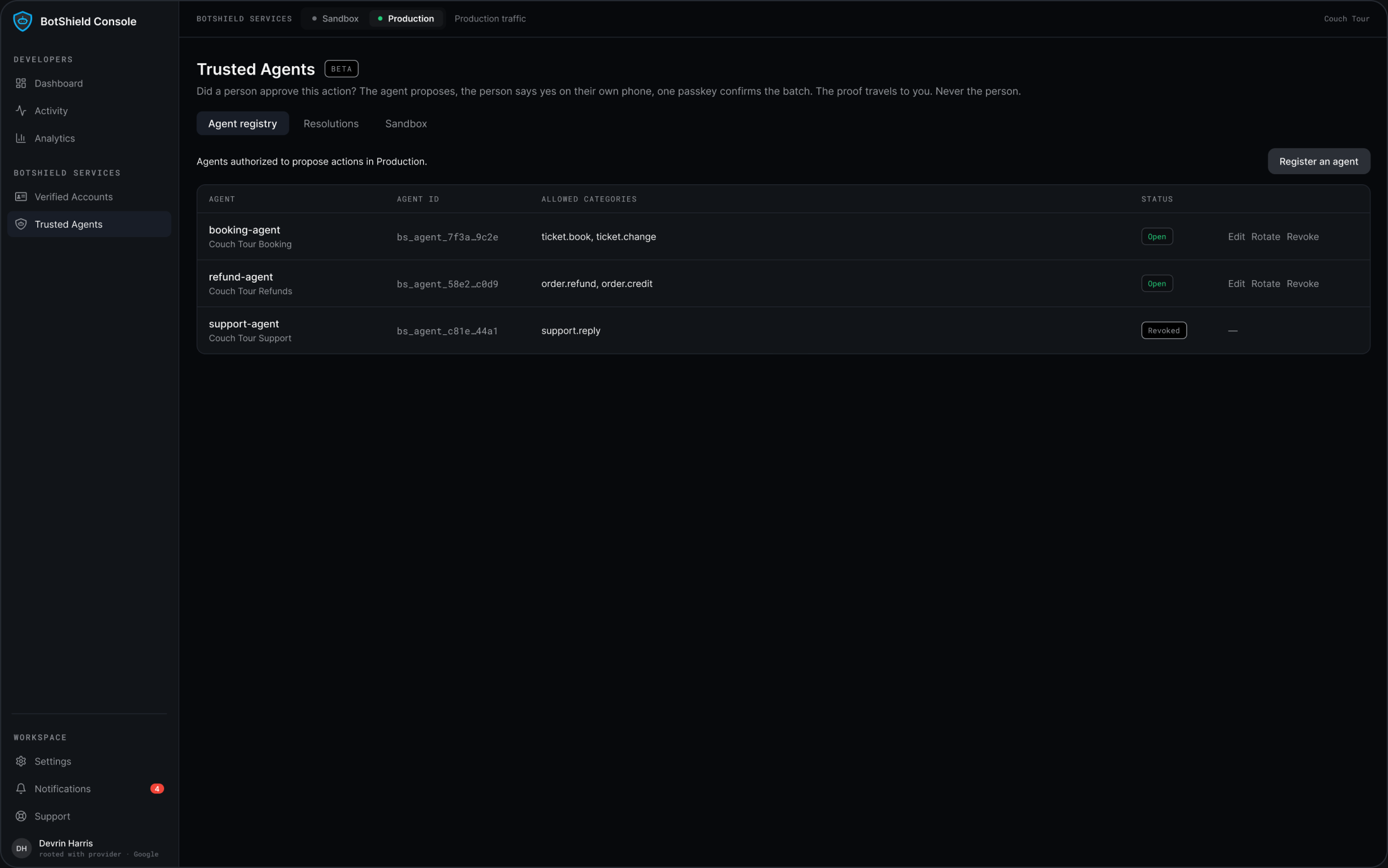
The Agent registry in the BotShield Console — every agent, its id, and what it may propose.
A name becomes a key.
Issued once in the Console, shown once. The key is how it asks: the five tools answer to it and to nothing else.
The scope.
Action categories, declared by you — payment.authorize, travel.book — and checked every time it asks. Outside them, nothing is put in front of anyone.
The person lets it in.
Offer the link where the agent meets them — a chat, a settings row, a page, a QR code. In their app the screen is called Link Agent, and what they see is the name and the one-line description you gave it. From then on it may ask them.
One switch, and it is over.
Revoke the key and every link it holds dies with it; it cannot ask anyone. The person can cut it from their side too, and it cannot ask them.
The ask.
Your registered agent proposes with its key, inside its scope, to a person who let it in. They answer on their own device with a passkey; a signed Proof of Resolution comes back — and no SMS code is ever sent.
Agents Ask ↗Where the agent meets the person.
Offer the link wherever your agent runs — a chat, a settings row, a page. On a computer it shows a code to scan; on a phone or in a chat it is a deep link; signed in on your platform, it is one tap. The person confirms on the Link Agent screen in their app, and from then on the agent may ask them.
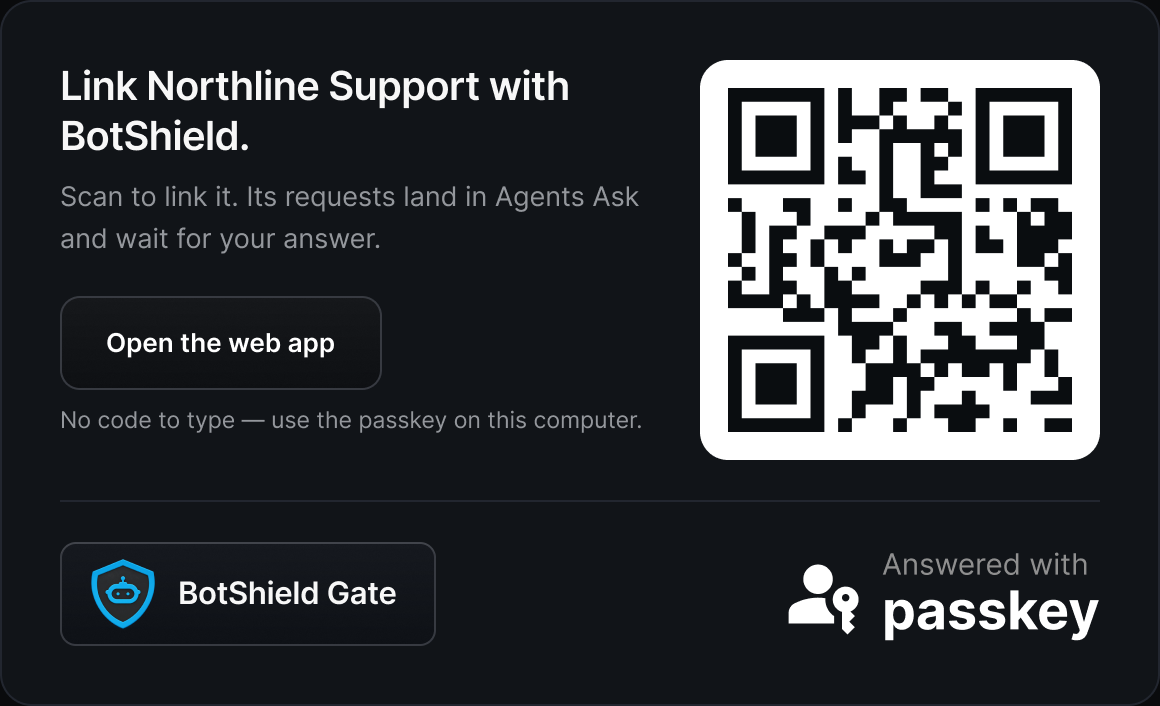
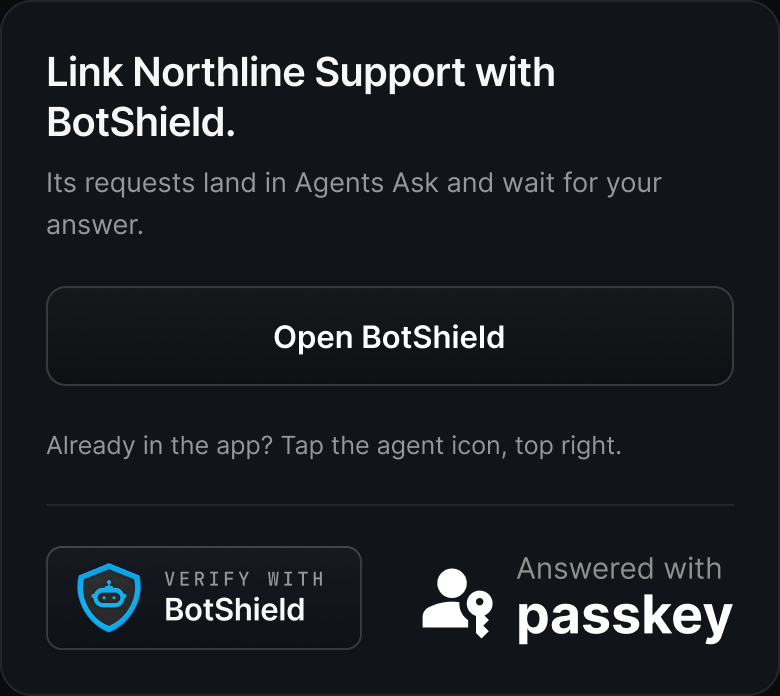
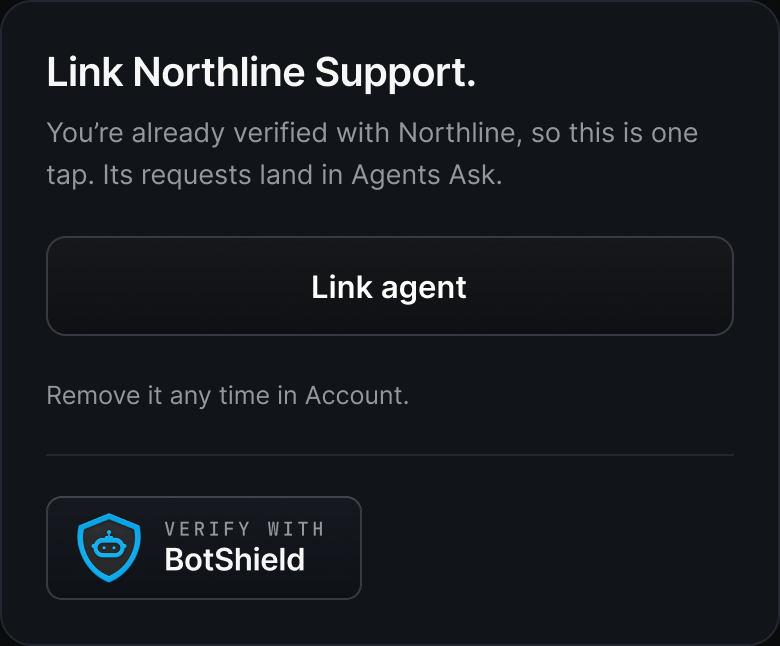
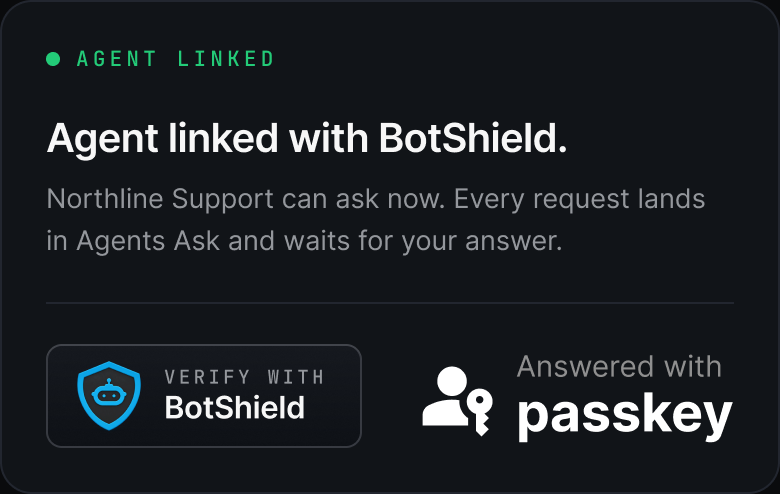
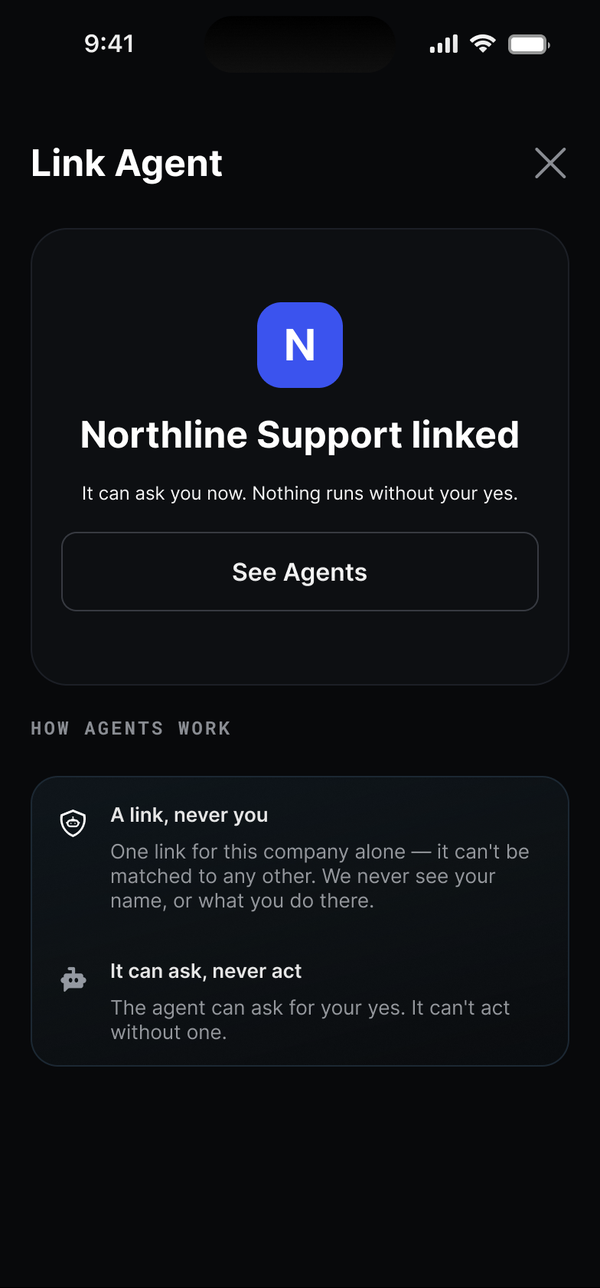
The agent offer card, as your SDK renders it at each placement, and the Link Agent screen in the BotShield app. Northline is the example; the cards carry your name.
Four fields. That is the whole row.
Becomes the key.
bs_agent_<name>__… One per agent. Copy it once.
What the person sees.
On the Link Agent screen and on every ask: who is asking, and what it does. “Changes your flights.”
The scope.
The only acts it may propose. Checked on every proposal; nothing outside them reaches a person.
Development, or production.
Development the moment you sign in. Production once your business is verified.
Register once, so it can ask every time. Trusted Agents is the permission; Agents Ask is the ask.
Not a marketplace, not a directory. The person never browses it; they only ever see the agents they let in.
Trusted Agents FAQ
How does a person control which of our agents can reach them?
Who registers an agent, and can it be revoked?
What can a trusted agent do without asking the person?
Do our agents ever learn who a customer is?
What happens to every link when we revoke a key?
How does a person cut one of our agents off?
Register your agents. Cut any of them in one switch.
Keys are live in the Console — sandbox the moment you sign in, production once your domain is verified.
See Agents Ask →BotShield runs in your browser.
Sign in with Apple or Google, add a passkey, and approve what your agents ask — the same account the phone app will use.
Open app.botshield.ai →