Sandbox keys the moment you sign in.
Sign in, take a key, place a gate on a page. The sandbox asks for nothing. Production is a conversation: verify your accounts with us, then place the gate.
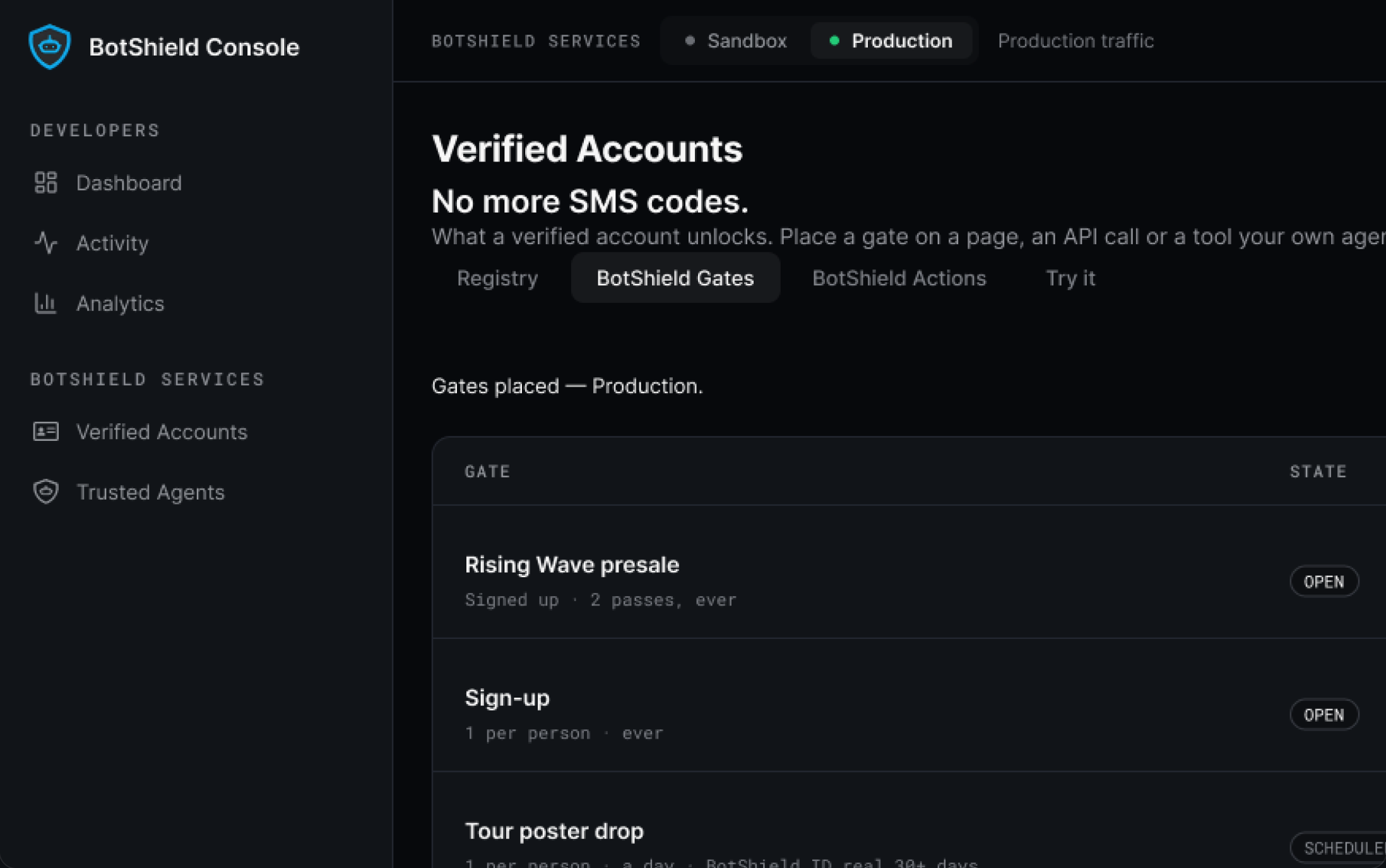
Every gate you placed, and what each one answered.
One screen for all of it: place a gate, watch it open and close on its own schedule, and read every verdict it returned — pass or Unavailable, with the reason.
Illustrative · mock company
One script tag and one element.
It is a custom element, so it works wherever your HTML works — no framework, no rewrite, nothing to migrate onto.
<script src="https://cdn.botshield.ai/sdk.js"></script>
<botshield-verify
  site-key="pk_live_…"
  scope="checkout"
  checkout-label="Complete purchase">
</botshield-verify>
Or send one.
Verify with BotShield is set up in three steps — the surface, the tag, turn it on — and your server can put a gate in front of one person from then on.
Five MCP tools. That is all of it.
Point any MCP client at the server and your agent can ask a person for a yes. Small on purpose — an agent should not be able to do more to your customer than this.
See the five tools, named →Console FAQ
How do I place a BotShield Gate on my site?
Is there an SDK, an API, or MCP tools?
How do I check a verdict is genuine?
What do I need before going to production?
Can our own agents call it?
Where do I get keys?
Sandbox today. Production after a call.
Keep your stack, your login and your checkout exactly where they are. Verify your accounts with us, then place the gate.
BotShield runs in your browser.
Sign in with Apple or Google, add a passkey, and approve what your agents ask — the same account the phone app will use.
Open app.botshield.ai →